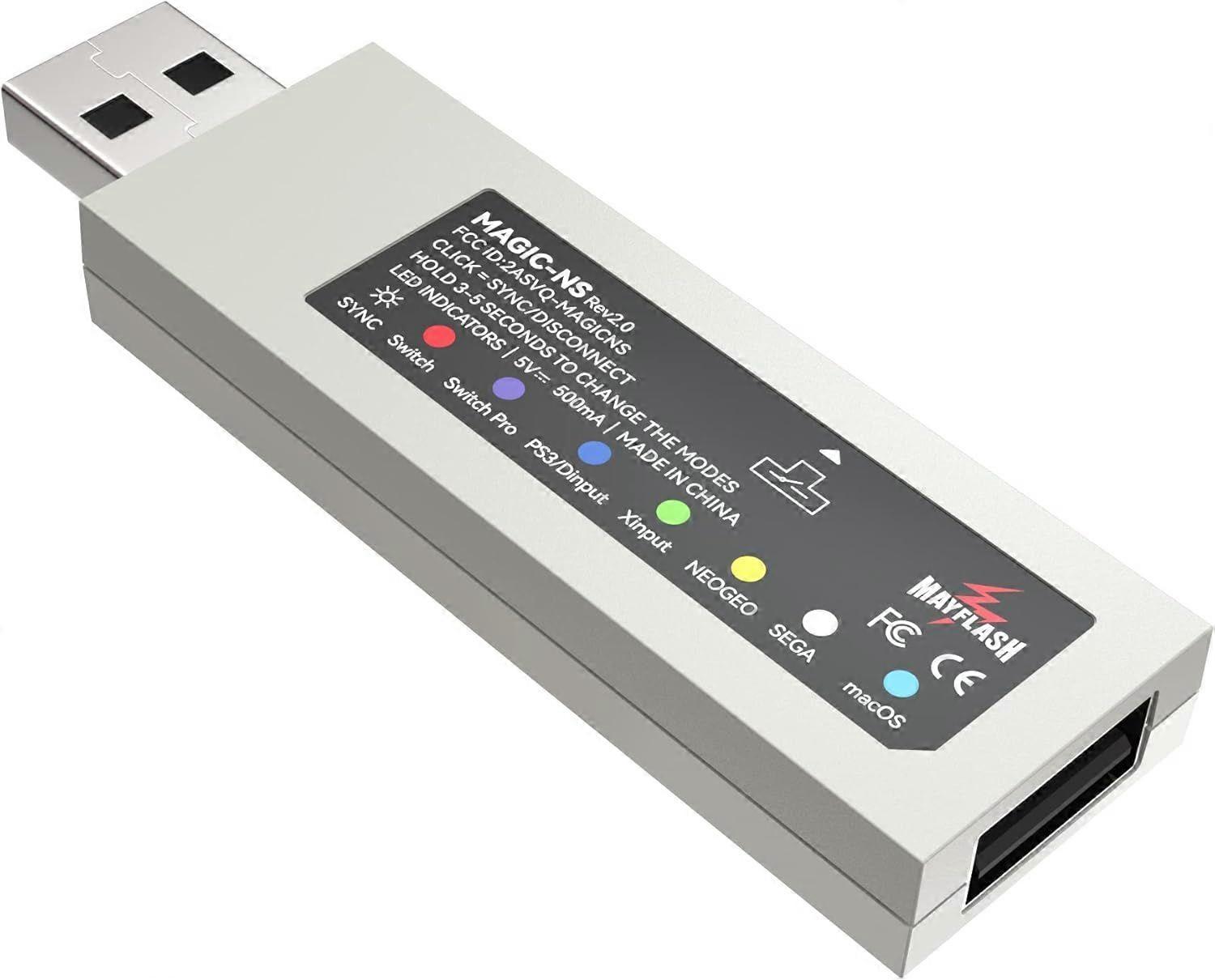
Mayflash Magic-NS Wireless Controller Adaptor Compatible with NeoGeo Mini (Nintendo Switch/PC) Rev1.2
€ 84,00
+ € 11,99 Verzending

Mayflash Magic-NS Wireless Controller Adaptor Compatible with NeoGeo Mini (Nintendo Switch/PC) Rev1.2
Verkocht door:

€ 84,00

Bespaar € 109,05 (58%)

Adviesprijs

€ 193,05
Op voorraad
+ € 11,99 Verzending

14-dagen retourbeleid

Kopersbescherming

Betaalmethoden:

  • Merk: Unbranded

Productdetails

Productdetails

Mayflash Magic-NS Wireless Controller Adaptor Compatible with NeoGeo Mini (Nintendo Switch/PC) Rev1.2
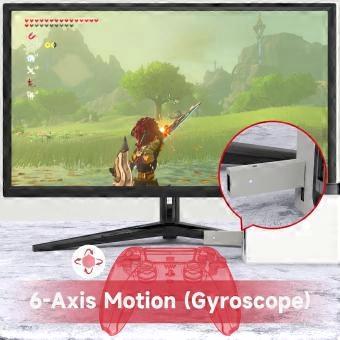
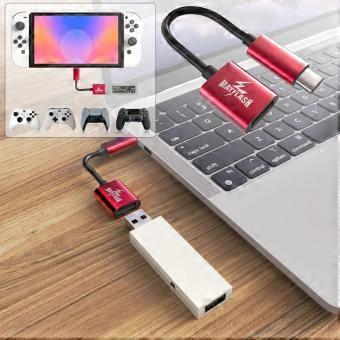
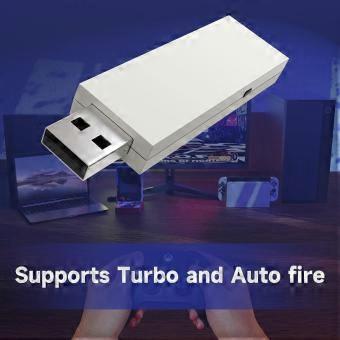
Product Description System Compatibility Switch . PlayStation 3 . Windows . NEOGEO mini . PS Classic . SNK NEOGEO Arcade Stick PRO Controller Compatibility Bluetooth Controllers: PS5 Dualsense Controller, DualShock 3, DualShock 4, DualShock 4 Pro, Wiimote, Wii U Pro, Switch Joy-Cons, Switch Pro Wired USB Controllers: The wireless controller that comes from your console will become a wired controller by simply connecting a standard USB cable. For best results, it is recommended that you use original Switch Controllers, or genuine Xbox or PlayStation controllers and quality USB cables. Special Features DualShock 4 supports the vibration and 6-axis gyroscope input. PC X-input mode supports the vibration. Vibration intensity can be adjusted. 7 levels of the vibration intensity. The buttons A, B, X, Y can be exchanged. Lag – free. Customized high quality USB Type-C Cable included. Update to latest firmware. MAGIC-NS 1 does not support Xbox Bluetooth Controllers. If you want to use Xbox Bluetooth Controllers on Switch please purchase MAGIC-NS 2. Dimensions and Weight Magic NS Adapter . USB Type C Cable . Buttons Sticker . Manual LED Indicators USB Port and the Button on the side USB A-Female: Connect the wired PS5,PS4,PS3,Switch Pro, XboxOne/S, Xbox Series X/S, Xbox 360 controllers and fightsticks,and standard wired USB controllers to the adapter. Button on the side of the adapter: Used for the modes switching and Bluetooth pairing LED Indicator There are six colors of this LED indicator to show six different working modes. LED Indicators and Modes LED Indicator in Blue: PS3 or PC Dinput System mode LED Indicator in Red:Switch System mode LED Indicator in Green: PC Xinput System mode LED Indicator in Purple:Switch Pro mode LED Indicator in Yellow: NEOGEO mini mode LED Indicator in Cyan: PS Classic mode Bluetooth Controllers Set Up 1. Connect the adapter into any spare USB port on your game console. 2. To switch the modes, press and hold the button on the side of the adapter for 3-5 seconds. The LED indicator blinks slowly. 3. Turn on the Bluetooth controller, press the button on the side of the adapter, and then press the SYNC button on your Bluetooth controller. The LED indicator blinks quickly. 4. LED indicator becomes solid when connection is successful. Only one Bluetooth controller is supported for one adapter. You can connect two or more controllers with two or more adapters by a HUB. (A HUB is not included in the packaging) Packaging Includes MAGIC-NS 1 MAGIC-NS 2 MAGIC-NS Lite Add To Basket Customer Reviews 4.4 out of 5 stars 8,758 4.4 out of 5 stars 1,038 4.2 out of 5 stars 143 £15.96 £ 15 . 96 £21.99 £ 21 . 99 — no data Switch . Switch OLED. Windows . Raspberry Pi. macOS . PlayStation 3. NEOGEO mini . SNK NEOGEO Arcade Stick PRO . SEGA Genesis Mini . SEGA Mega Drive Mini . Sega Astro City Mini Switch . Switch OLED. Windows . Raspberry Pi. macOS . PlayStation 3. NEOGEO mini . SNK NEOGEO Arcade Stick PRO . SEGA Genesis Mini . SEGA Mega Drive Mini . Sega Astro City Mini Switch . Switch OLED. Windows . Raspberry Pi. macOS . PlayStation 3. NEOGEO mini . SNK NEOGEO Arcade Stick PRO . SEGA Genesis Mini . SEGA Mega Drive Mini . Sega Astro City Mini Bluetooth Controller Compatibility DualSense, DualShock 4, DualShock 3, Switch Pro, Switch Joy-Con, Wii Remote, Wii U Pro, Switch Joy-Cons, Switch Pro.(Not compatible with Xbox Bluetooth Controllers) DualSense, DualShock 4, DualShock 3, Xbox Series X/S, Xbox One Bluetooth controllers, Xbox Elite Wireless Controller Series 2, Switch Pro, Switch Joy-Con, Wii Remote, Wii U Pro. DualSense, DualShock 4, Xbox Series X/S, Xbox One Bluetooth controllers, Xbox Elite Wireless Controller Series 2, Switch Pro, Switch Joy-Con, Wii Remote, Wii U Pro.(Not compatible with DualShock 3) DualShock 3 Wired USB Controllers A USB Type C Cable included Using Headsets on Switch Vibration Intensity Modifying Dead Zone Adjusting
  • Fruugo-ID: 557796753-1126199228
  • EAN: 730737880865
Belofte

Garantie van de verkoper

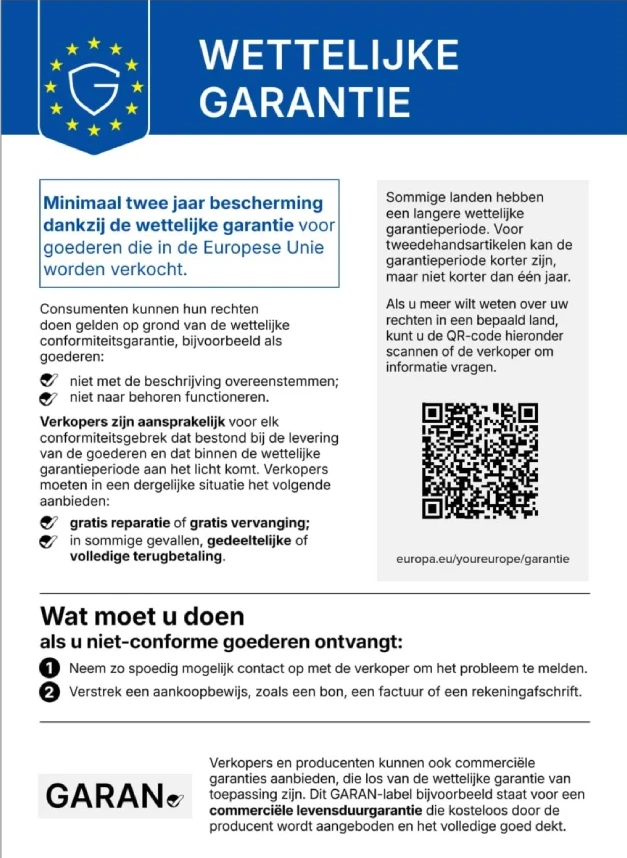
Wettelijke garantie van 2 jaar inbegrepen

Uw consumentenrechten binnen de EU omvatten een gratis wettelijke garantie van ten minste 2 jaar

Download de wettelijke conformiteitsgarantie
Veiligheid

Productveiligheidsinformatie

Raadpleeg de onderstaande productveiligheidsinformatie die specifiek is voor dit product

De volgende informatie wordt verstrekt door de onafhankelijke externe detailhandelaar die dit product verkoopt.

Productveiligheidslabels

CE Mark
Veiligheidswaarschuwingen: WARNING! TO AVOID DANGER OF SUFFOCATION,KEEP AWAY FROM BABIES ANDCHILDREN. DO NOT USE IN CRIBS/BEDSOR PLAY PENS.THIS BAG IS NOT ATOY.
Ingrediënten: Octinoxate 5.4758%
Onderdeelnummer fabrikant: XE202627
Modelnummer: XE199530
Serienummer: XE062027
Batchnummer: XE196638

Levering

Levering

Verzonden binnen3 dagen

  • STANDARD: € 18,04 - Levering tussen di 24 november 2026–wo 02 december 2026

Verzending vanaf China.

Retourneren

Retourneren & Annuleren

Retourneren

We doen ons best om ervoor te zorgen dat de producten die u bestelt volledig en volgens uw specificaties bij u worden afgeleverd. Mocht u echter een onvolledige bestelling ontvangen of andere artikelen dan degene die u heeft besteld, of als er een andere reden is waarom u niet tevreden bent met de bestelling, dan kunt u de bestelling retourneren, of welk product dan ook die bij de bestelling was inbegrepen, en ontvangt u een volledige terugbetaling voor de artikelen.

Bekijk het volledige retourbeleid

Annuleren

U heeft het recht om uw aankoop binnen 14 dagen na ontvangst van uw bestelling zonder opgave van reden te herroepen. Om eenvoudig van uw recht gebruik te maken, kunt u de link 'Mijn bestelling annuleren' in de voettekst van elke pagina of in uw Fruugo-account onder 'Bestellingen' gebruiken. Zodra u van uw herroepingsrecht gebruikmaakt, sturen wij u een bevestiging per e-mail. Als uw bestelling al door de verkoper is verzonden, zullen wij u de nodige retourinstructies verstrekken om ervoor te zorgen dat uw terugbetaling snel wordt verwerkt.

Bekijk het volledige annuleringsbeleid