
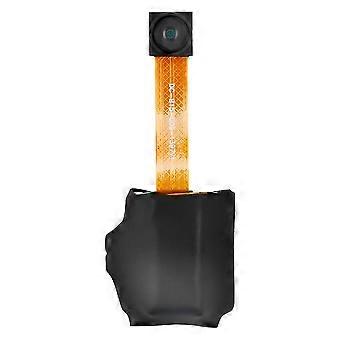
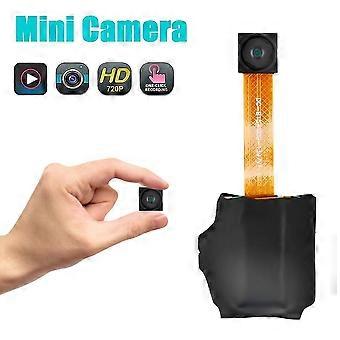
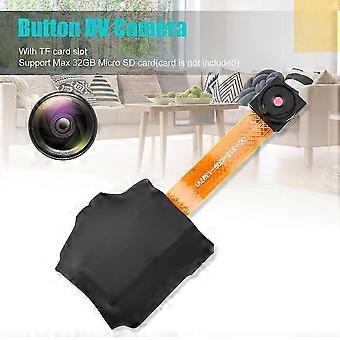
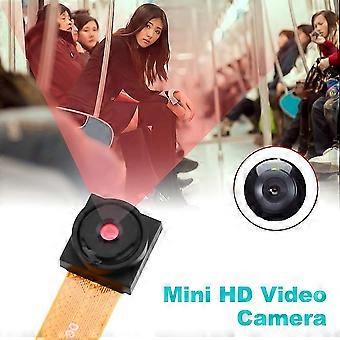
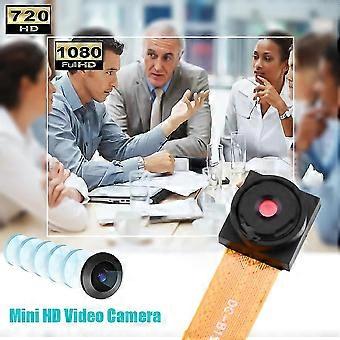
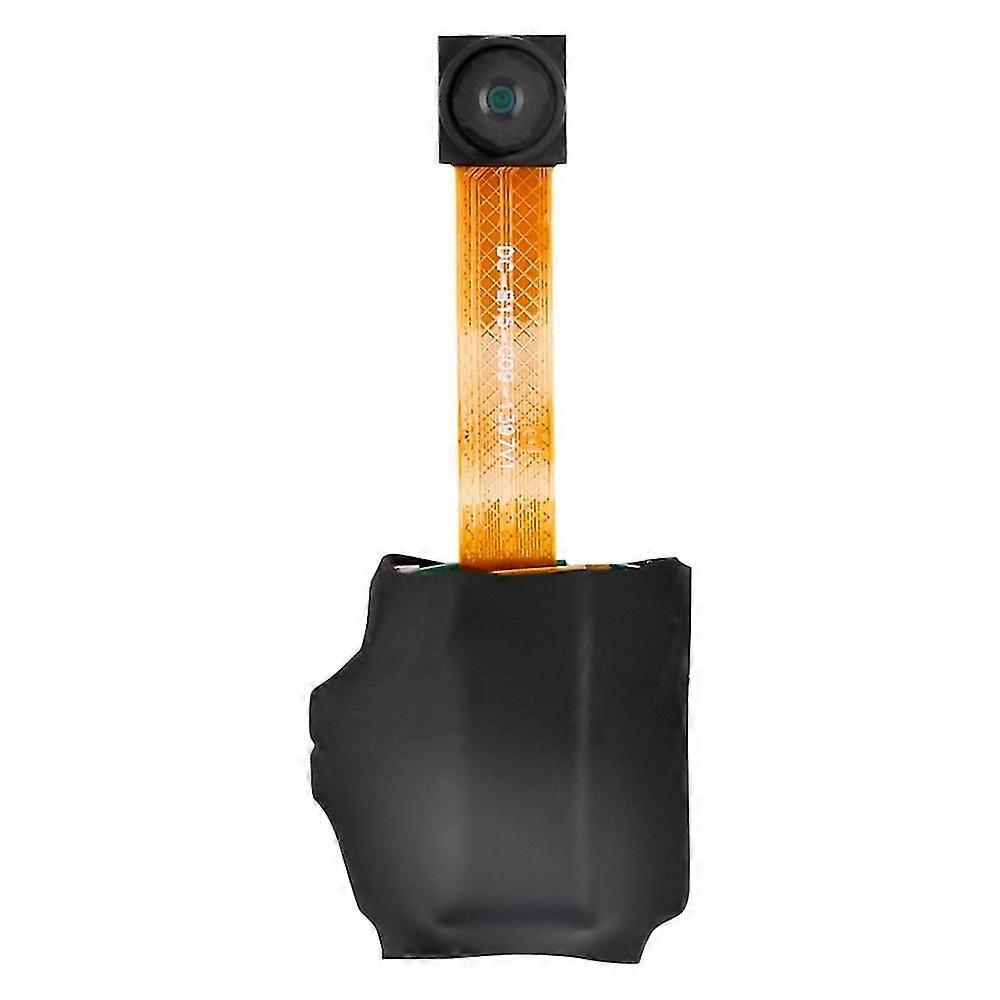
720p Button Dv Camera Mini Video Camera Loop Recording Computer Webcam
+ € 8,49 Verzending
720p Button Dv Camera Mini Video Camera Loop Recording Computer Webcam
€ 43,58
Bespaar € 44,05 (52%)
Adviesprijs
Betaalmethoden:
- Merk: Unbranded
Productdetails
Productdetails
720p Button Dv Camera Mini Video Camera Loop Recording Computer Webcam
- Merk: Unbranded
- Categorie: Webcams
- Fruugo-ID: 343133479-751910777
- EAN: 8118610965120
Belofte
Garantie van de verkoper
Uw consumentenrechten binnen de EU omvatten een gratis wettelijke garantie van ten minste 2 jaar
Download de wettelijke conformiteitsgarantie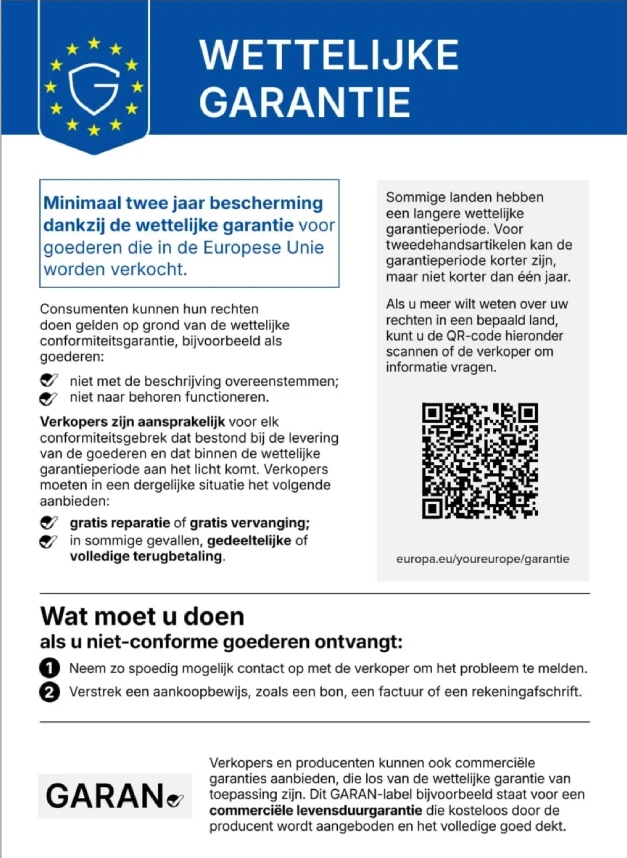
Veiligheid
Productveiligheidsinformatie
Raadpleeg de onderstaande productveiligheidsinformatie die specifiek is voor dit product
De volgende informatie wordt verstrekt door de onafhankelijke externe detailhandelaar die dit product verkoopt.
Productveiligheidslabels

Productconformiteitsdetails
Raadpleeg de onderstaande nalevingsinformatie die specifiek is voor dit product.
De volgende informatie wordt verstrekt door de onafhankelijke externe detailhandelaar die dit product verkoopt.
Fabrikant:
Hieronder treft u de contactgegevens van de fabrikant van het betreffende product dat op Fruugo wordt verkocht.
- Qingdao Rinuo Network Technology Co., Ltd
- Qingdao Rinuo Network Technology Co., Ltd
- Room A1215, No. 80, Yongtai Modao South Street, Yongping Street, Baiyun District, Guangzhou
- Qingdao
- China
- 266000
- [email protected]
- 13123456789
Verantwoordelijke persoon in de EU:
De volgende informatie bevat de contactgegevens van de verantwoordelijke persoon in de EU. De verantwoordelijke persoon is de aangewezen marktdeelnemer in de EU, die verantwoordelijk is voor de nalevingsvereisten met betrekking tot het product dat in de Europese Unie verkocht wordt.
- GLOBEREX SPAIN SOLUCIONES SLU
- GLOBEREX SPAIN SOLUCIONES SLU
- CALLE TORCAL, 2, 5 D, MADRID
- MADRID
- SPAIN
- 28041
- [email protected]
- +34 621668802
Levering
Levering
Verzonden binnen2 dagen
-
STANDARD: € 12,12 - Levering tussen do 10 september 2026–di 15 september 2026
Verzending vanaf China.
Retourneren
Retourneren & Annuleren
Retourneren
We doen ons best om ervoor te zorgen dat de producten die u bestelt volledig en volgens uw specificaties bij u worden afgeleverd. Mocht u echter een onvolledige bestelling ontvangen of andere artikelen dan degene die u heeft besteld, of als er een andere reden is waarom u niet tevreden bent met de bestelling, dan kunt u de bestelling retourneren, of welk product dan ook die bij de bestelling was inbegrepen, en ontvangt u een volledige terugbetaling voor de artikelen.
Bekijk het volledige retourbeleid
Annuleren
U heeft het recht om uw aankoop binnen 14 dagen na ontvangst van uw bestelling zonder opgave van reden te herroepen. Om eenvoudig van uw recht gebruik te maken, kunt u de link 'Mijn bestelling annuleren' in de voettekst van elke pagina of in uw Fruugo-account onder 'Bestellingen' gebruiken. Zodra u van uw herroepingsrecht gebruikmaakt, sturen wij u een bevestiging per e-mail. Als uw bestelling al door de verkoper is verzonden, zullen wij u de nodige retourinstructies verstrekken om ervoor te zorgen dat uw terugbetaling snel wordt verwerkt.