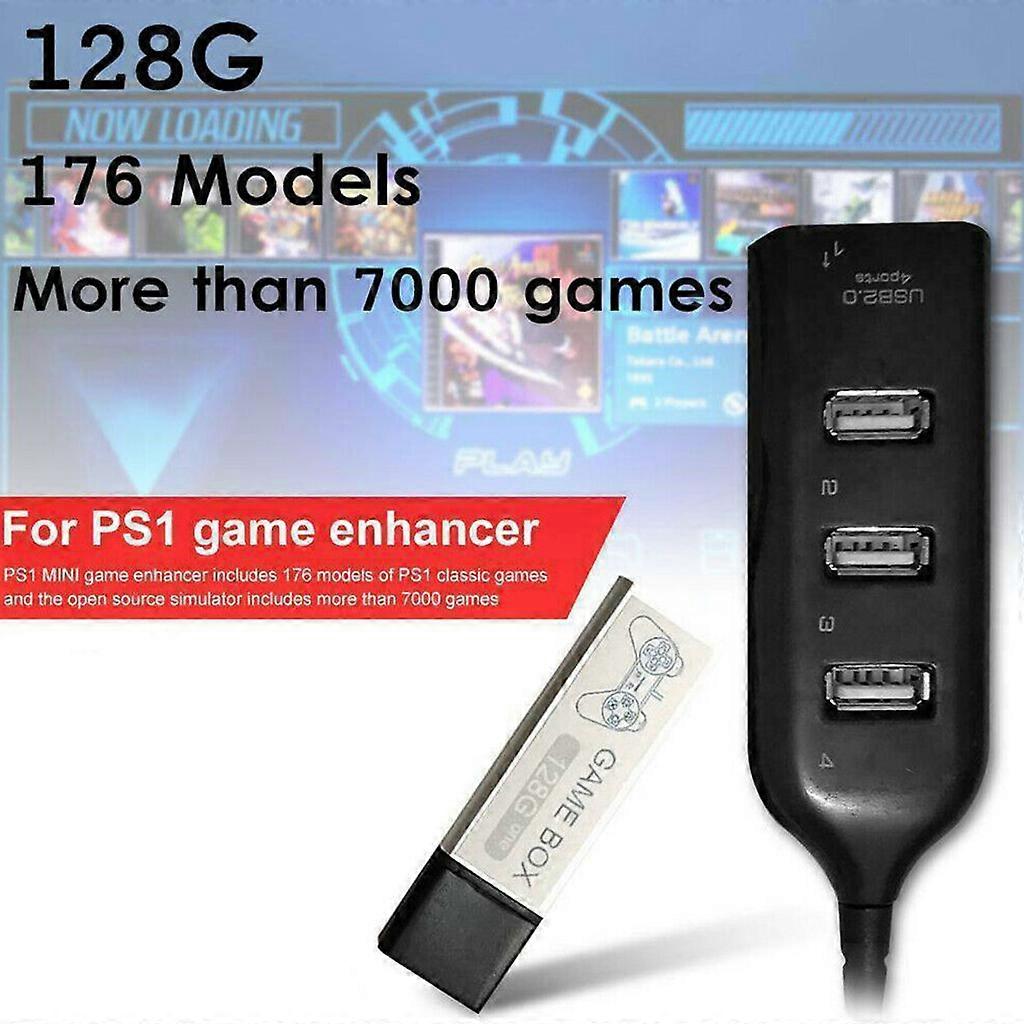
Game Enhancer Plug 7000 Classic Games Open Source Simulator Expansion Pack 4-port USB Hub Stick for PS1 Mini White

€ 59,00
GRATIS verzending

Game Enhancer Plug 7000 Classic Games Open Source Simulator Expansion Pack 4-port USB Hub Stick for PS1 Mini White

  • Merk: Unbranded
Verkocht door:

Game Enhancer Plug 7000 Classic Games Open Source Simulator Expansion Pack 4-port USB Hub Stick for PS1 Mini White

  • Merk: Unbranded

€ 59,00

Op voorraad
GRATIS verzending

14-dagen retourbeleid

Verkocht door:

€ 59,00

Op voorraad
GRATIS verzending

14-dagen retourbeleid

Betaalmethoden:

Beschrijving

Game Enhancer Plug 7000 Classic Games Open Source Simulator Expansion Pack 4-port USB Hub Stick for PS1 Mini White

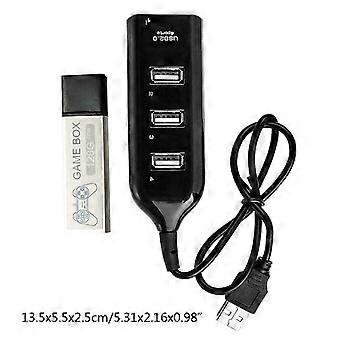
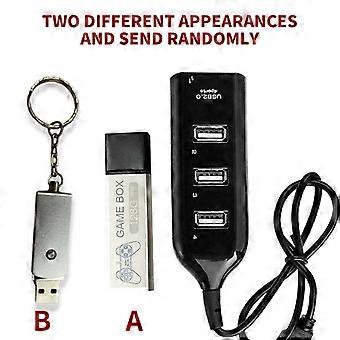
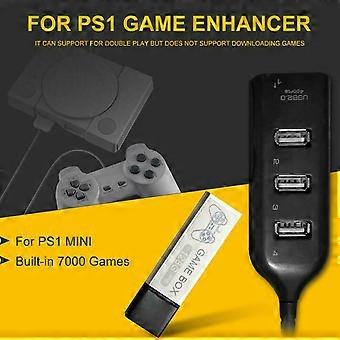
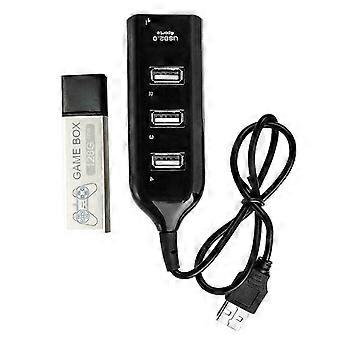
["Description:\nbrand new and high quality \n\nFeatures:\nMade of ABS material, more durable.\nGame enhancer includes 176 models of classic games and the open.\nSource simulator includes more than 7000 games.\nIt can support for double for play but does not support downloading games.\nMost of the built-in games have been tested, but there may be a few games that are not supported.\n \nSpecification:\nItem Type:Game Enhancer\nMaterial:ABS\nColor:Black\nSize:Approx 13.5x5.5x2.5cm/5.31x2.16x0.98in\nMemory:128G\nApplicable Scope:Extended Game Pack\nConnection Method:Direct Connection\nAdditional Features:Game Pack Extension\nGame Version:Lite Version\nVideo Game Rating:Entry Level, Elite Level, Enthusiast Level\nNotice:We have two different appearances (A and B) and will send randomly.\n\nEnter system interface\n1. Press the button on the system interface to enter the game interface.\n2. In the game, press the RESET button of the host (reset) to exit the game.\n3. Press the O-shaped button on the game interface to return to the main interface.\n4.Press the \"square\" button on the system interface to enter the open source simulator interface.\n5. The simulator interface exits while pressing SELECT+SEART.\n6. Simulator interface exits the system interface, select Main Menu, and find the Quit Retroarch option to exit.\n7. Simultaneously press R2+L2 on the system interface and the game console will shut down.\n\nNotes:\n1.When the individual product is turned on for the first for time, you need to read the disk scan directory, \npress the X button to scan it.\n2.The first for time to read the disk, entering the system is slow, which is a normal situation. \nDo not mess with the button because random press may get stuck.\n3.Please insert the game collection bar before powering on, then plug in the power and \npress the power button to load the game.\n4.After turning off all the power, you can unplug the game collection bar and \nyou can'for t pull it out during use, otherwise it will damage the system file.\n5.Does not support personal download games. Most of the built-in games have been tested,\nbut there may be a small number of games that are not supported.\n6.Please allow 0-3cm error due to manual measurement. pls make sure you do not mind before you bid.\n7.Due to the difference between different monitors, the picture may not reflect the actual color of the item. Thank you!\n\nPackage Included:\n1x Game Enhancer\n1x Hub"]
  • Fruugo-ID: 350044452-763205205
  • EAN: 7901000499623

Levering & retouren

Wordt binnen 24 uur verzonden

  • STANDARD: GRATIS - Levering tussen do 01 januari 2026–di 06 januari 2026 - GRATIS

Verzending vanaf China.

We doen ons best om ervoor te zorgen dat de producten die u bestelt volledig en volgens uw specificaties bij u worden afgeleverd. Mocht u echter een onvolledige bestelling ontvangen of andere artikelen dan degene die u heeft besteld, of als er een andere reden is waarom u niet tevreden bent met de bestelling, dan kunt u de bestelling retourneren, of welk product dan ook die bij de bestelling was inbegrepen, en ontvangt u een volledige terugbetaling voor de artikelen. Bekijk het volledige retourbeleid

Productconformiteitsdetails

Raadpleeg de onderstaande nalevingsinformatie die specifiek is voor dit product.

De volgende informatie wordt verstrekt door de onafhankelijke externe detailhandelaar die dit product verkoopt.

Fabrikant:
Hieronder treft u de contactgegevens van de fabrikant van het betreffende product dat op Fruugo wordt verkocht.

  • Cgsqub
  • Shenzhen Yiyuxun Hardware Tools Co., Ltd.
  • Room 205, Building D10, No. 5, Cengyao Industrial Zone, Yulv Community
  • Yutang Street, Guangming District
  • Shenzhen
  • China
  • 518000
  • firneiwodnw@163.com

Verantwoordelijke persoon in de EU:
De volgende informatie bevat de contactgegevens van de verantwoordelijke persoon in de EU. De verantwoordelijke persoon is de aangewezen marktdeelnemer in de EU, die verantwoordelijk is voor de nalevingsvereisten met betrekking tot het product dat in de Europese Unie verkocht wordt.

  • Yating He
  • E-CrossStu GmbH
  • 69 Mainzer Landstrasse
  • Frankfurt am Main
  • Germany
  • 60329
  • E-crossstu@web.de
  • +4969332967674